
Focus Clock
Your all-in-one LED desk clock replacement app with timer, stopwatch, alarms & reminders
Focus Clock
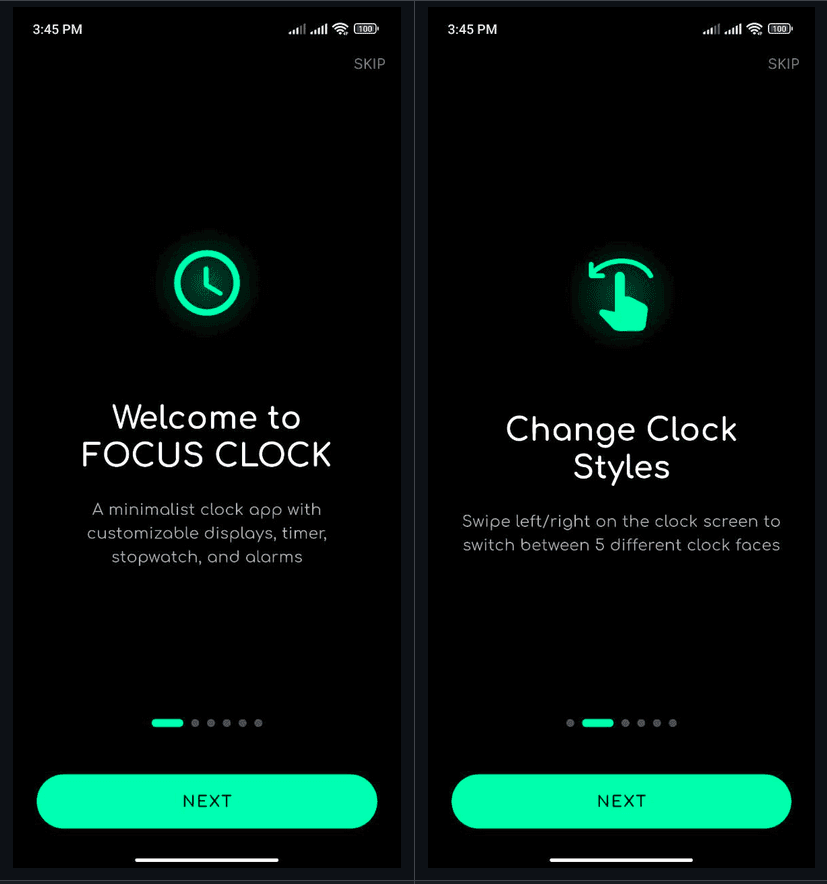
Your all-in-one LED desk clock replacement app — with timer, stopwatch, alarms & reminders. Built for landscape mode and always-on displays.
Overview
Focus Clock is your LED desk clock replacement — a full-featured Android app designed to sit on your desk or nightstand. No need for expensive LED clocks when you have an old phone or tablet. Built with Flutter for a smooth, native experience, this app transforms any Android device into a powerful desk clock with timer, stopwatch, alarms, and reminders.
Why Focus Clock?
Replaces Physical LED Clocks
Repurpose an old phone or tablet as a dedicated desk clock instead of buying expensive LED alternatives
Always-On Display Support
Optimized for always-on mode with battery-efficient rendering
Large, Readable Digits
Landscape-first design with large, crisp digits visible from across the room
Multiple Watch Faces
Choose from 5 distinct watch faces with customizable colors to match your style
Integrated Tools
Timer, stopwatch, alarms, and reminders — all in one place
Built to Solve My Need
Created for personal use because I code to solve problems — now available for everyone
Key Features
5 Watch Faces
Choose from LED, segment, rounded, large-digit, and flip styles — each designed for maximum readability
36+ Preset Colors + RGB Custom Picker
Extensive color options to match your aesthetic, from classic red LED to custom RGB combinations
Flexible Timer
Reversible countdown direction (60→0 or 0→60) for different use cases — from cooking to workouts
Stopwatch with Lap Support
Track multiple laps for workouts, study sessions, or any timed activity
Alarms & Reminders
Set multiple alarms and reminders with repeat options and custom ringtones — never miss an important moment
Landscape-First Design
Optimized for landscape orientation — perfect for desk or nightstand placement
Tech Stack
Framework & Core
State Management
Services & Features
Architecture Overview
Entry Point
lib/main.dart - Application initialization and routing setup
Screens
lib/presentation/screens/ - Clock, Timer, Stopwatch, Alarm, Reminder screens
State Management
lib/state/ - Provider-based state management (timer_provider, settings_provider, etc.)
Services
lib/core/services/ - Alarm service, notification service, and background tasks
Developer Notes
Contract
Design Patterns
- Provider Pattern - Clean state management with ChangeNotifier
- Service Locator - Dependency injection for services
- Repository Pattern - Data persistence and retrieval
- Observer Pattern - Real-time UI updates based on state changes
Built to Solve a Problem
This project embodies my philosophy: I code to solve problems. I needed a desk clock but didn't want to buy an expensive LED clock when I had an old Android tablet sitting unused. So I built Focus Clock for my personal use.
What started as a weekend project became a fully-featured app with multiple watch faces, customization options, and integrated productivity tools. It's a testament to how coding can transform everyday needs into elegant solutions.